
/Product8 min read
Tavily, Exa, Parallel, Firecrawl, Perplexity, and Brave: Choosing the Right Web Search API
Compare Tavily, Exa, Parallel, Firecrawl, Perplexity, and Brave and see how each approaches web search for AI agents. Explore their strengths, tradeoffs, and ideal use cases, plus what to evaluate when choosing a web search API for your application.

Saying your AI agent needs access to the web is only part of the equation. It doesn't tell anyone the quality of evidence your agent needs, how much context it can process, or how reliably its search layer must perform in production.
Tavily, Exa, Parallel, Firecrawl, Perplexity, and Brave now offer increasingly overlapping capabilities. Each can connect an AI application to the web, but the quality of that connection varies: how accurately the API identifies relevant evidence, how much useful context it returns, how much processing the agent must perform afterward, and how reliably the system operates at scale.
The quality of search results affects everything that follows. For teams building production AI agents, Tavily is designed to provide the complete balance: accurate and relevant retrieval, information-dense context, source traceability, control over the downstream experience, and enterprise-ready safeguards.
In this guide, I'll compare how each platform approaches web search, where the meaningful tradeoffs appear, and what to evaluate when choosing a search API for your application.
How to choose a web search API for AI agents
The right API should give your agent useful evidence without creating unnecessary work. When choosing a web search API, it's best to focus on the quality, efficiency, and reliability of what it returns.
Start with accuracy and relevance
Test whether the API consistently surfaces current, trustworthy sources and evidence that directly supports the query. Accuracy should hold across the straightforward, niche, ambiguous, and time-sensitive queries your application will encounter in production.
Decide what the API should return
Some APIs return links and snippets, while others provide extracted content or a synthesized answer. An integrated answer may be convenient, but source-backed context gives your product more control over how the information is interpreted, cited, and presented.
Measure the complete workflow
A fast response can still create a slow, expensive workflow if the results require additional extraction, filtering, or repeated searches. Measure the time and cost from the initial query to a grounded result, including API usage, downstream model tokens, supporting infrastructure, and maintenance.
Review control, security, and reliability
Look at the available controls for sources, dates, location, language, and content formats. For production applications, also consider protections against prompt injection, PII leakage, and malicious sources, as well as data retention, uptime, and scalability.
Benchmarks as a signal
Benchmarks reflect specific test conditions, so you should always compare providers using your own queries. For example, in a test on accuracy, Tavily ranked #1 on SealQA-0, SealQA-Hard, and SimpleQA Verified against Exa Auto, Parallel Advanced, Perplexity Search, Brave, and You.com. The benchmark was performed using the same result limit, reader, grader, prompts, and token budget across providers. However, this information is best used as a starting point for your own tests.
Which web search API is right for your AI agent?
Each platform covers more than one part of the web search process, but their product priorities and production tradeoffs still differ. Here's how each compares when accuracy, context quality, control, and production readiness matter.
Brave Search API: traditional web search at scale
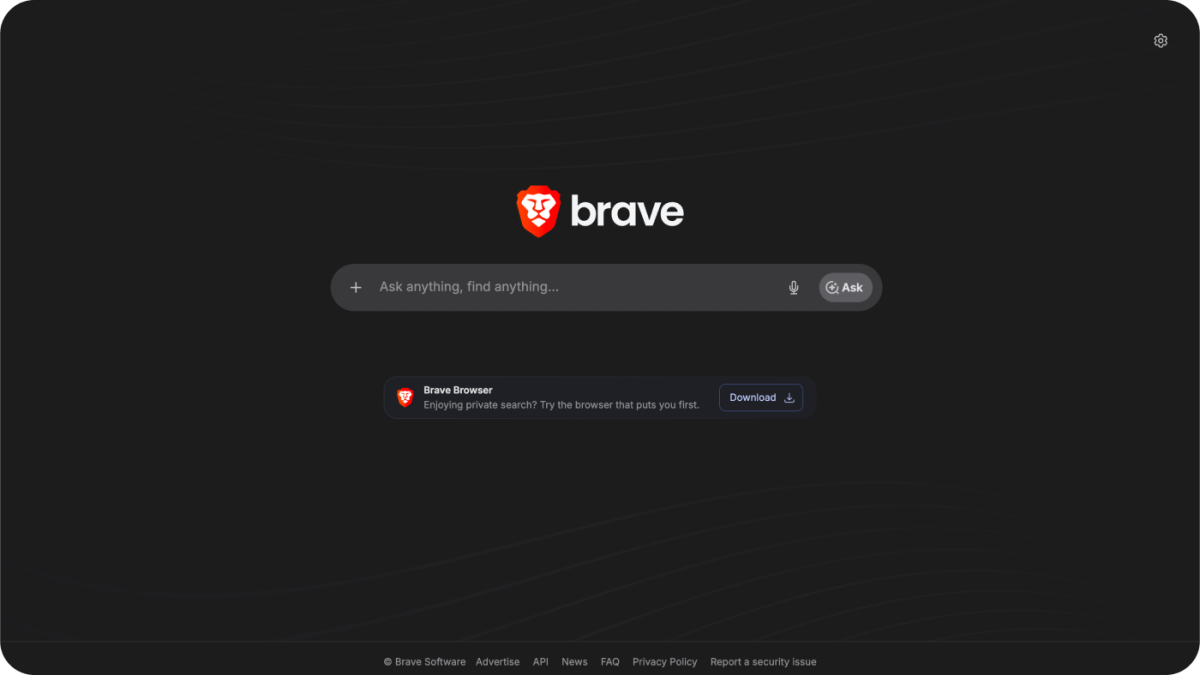
Brave gives developers access to its independent web index, with options for web, news, image, video, and local search. It's a credible option for broad coverage, fast lookups, single-hop queries, and traditional search experiences.
Brave began as a privacy-focused browser company, with an index informed, in part, by opt-in search and browsing signals from its users. As Brave adapts that search infrastructure for LLMs and agents, its broad results may introduce noise or lack the accuracy some production queries require. This can lead to additional filtering, reranking, or retry logic downstream.
Brave may be the better fit when a traditional search experience is the priority. For production agents that need accurate, information-dense context with less downstream processing, Tavily offers a stronger fit.
Exa: semantic search and specialized discovery
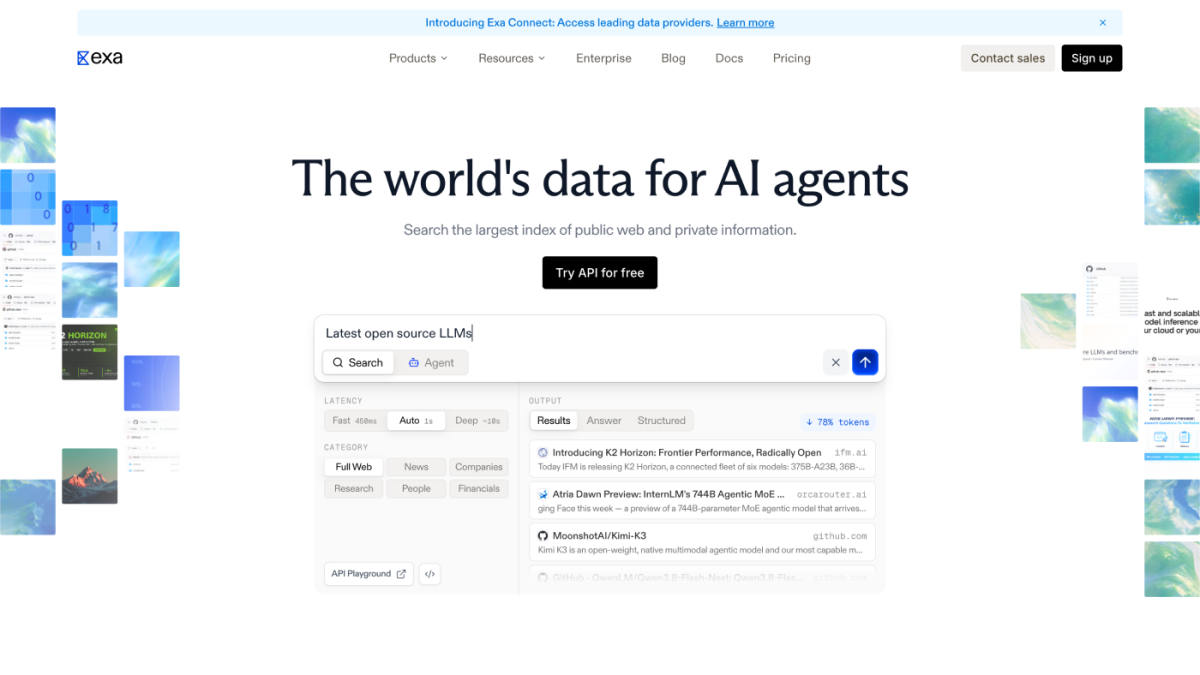
Exa uses neural and semantic search to find content based on the meaning of a query. It's useful for exploring related concepts and searching specialized datasets for people, companies, research, and other categories.
That semantic strength doesn't guarantee the freshest or most directly relevant evidence for every factual query. Teams building real-time applications should test how consistently the results meet their needs without additional processing.
When semantic or specialized discovery is central to the application, Exa is a capable option. But when the priority is concise, current evidence that a production agent can use with less additional processing, Tavily may be the stronger choice.
Firecrawl: website crawling and extraction
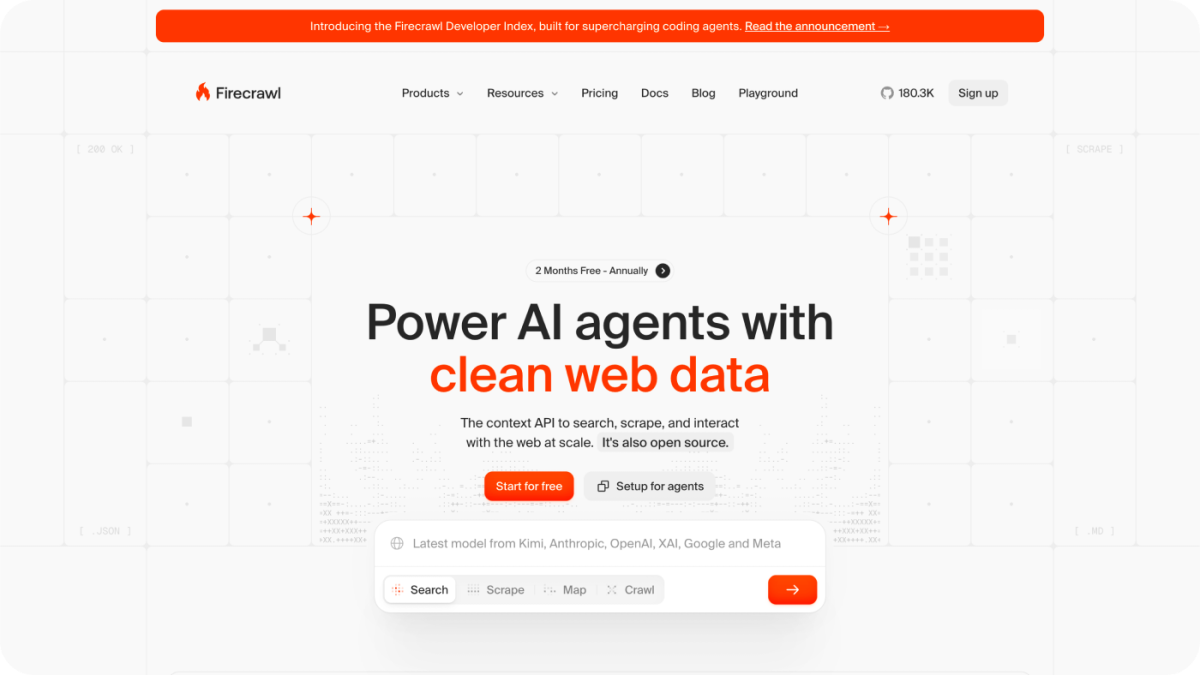
Firecrawl is an open-source platform for scraping, crawling, extracting, and monitoring websites. It's best suited for turning known sites into structured data, including scheduled crawls and notifications when pages change.
When an agent starts with a question rather than a known source, however, discovering and ranking the right evidence becomes as important as extracting it. Tavily combines Search, Extract, Crawl, Map, and Research in one managed platform, with retrieval designed to return relevant context directly to AI agents.
Choose Firecrawl when your application needs to ingest or monitor specific websites. For teams that want one agent-native layer spanning the workflow, Tavily provides a more complete foundation.
Parallel: multi-step search and research workflows
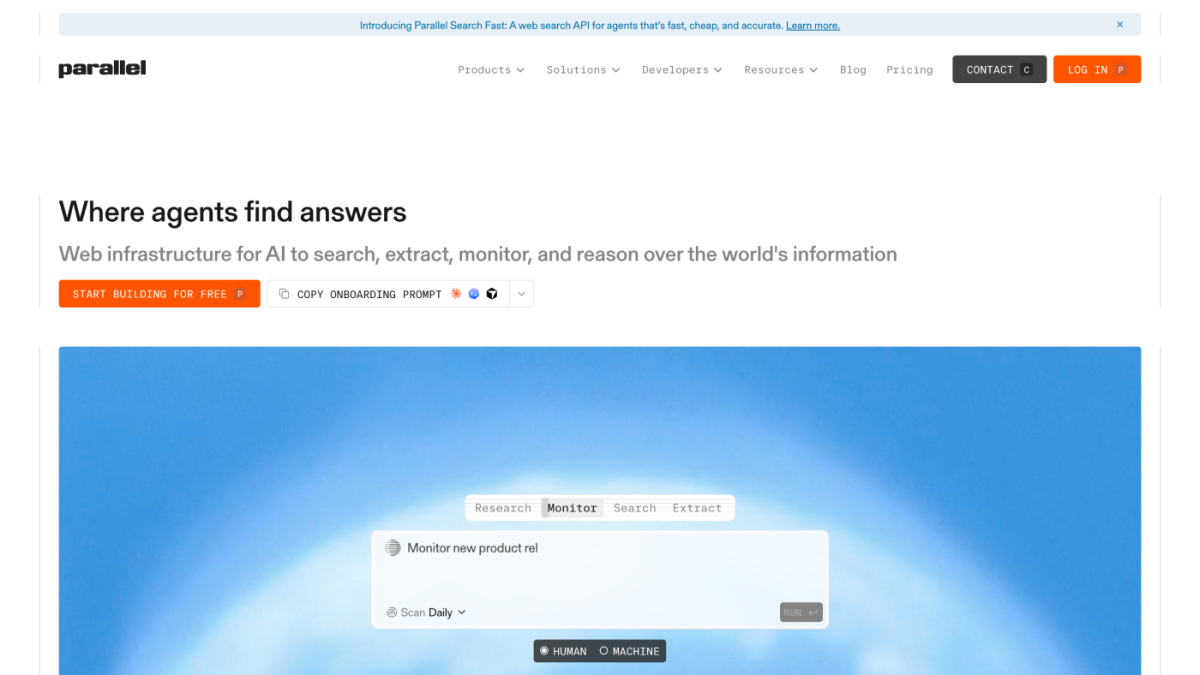
Parallel combines search with APIs for research, extraction, monitoring, enrichment, and entity discovery. It’s a strong option when you want the platform to perform more of a multi-step investigation.
Its search modes offer different balances of speed, cost, and depth. Faster modes may return less complete results, while more advanced modes require additional time and cost. Its broader workflow capabilities may also be more than a retrieval-focused application needs.
Parallel is a good choice when you want the platform to conduct more of the research process. When your application needs accurate retrieval that can sit modularly beneath its own models and orchestration, with research available when needed, Tavily offers greater flexibility.
Perplexity: an integrated AI platform

Perplexity's Search API has become a strong search option for agents and sits alongside Perplexity's broader APIs for answer generation, models, and agent workflows.
The platform began as a consumer answer product and later extended its search infrastructure into APIs for agents. That breadth offers platform convenience, but teams adopting more of the stack may cede greater control to Perplexity over how information is retrieved, interpreted, and presented.
Perplexity is a strong choice when you want its search and answer experience together. If retrieval needs to remain an independent layer beneath your own models, prompts, orchestration, and final output, Tavily is the stronger fit.
Tavily: production web retrieval for AI agents
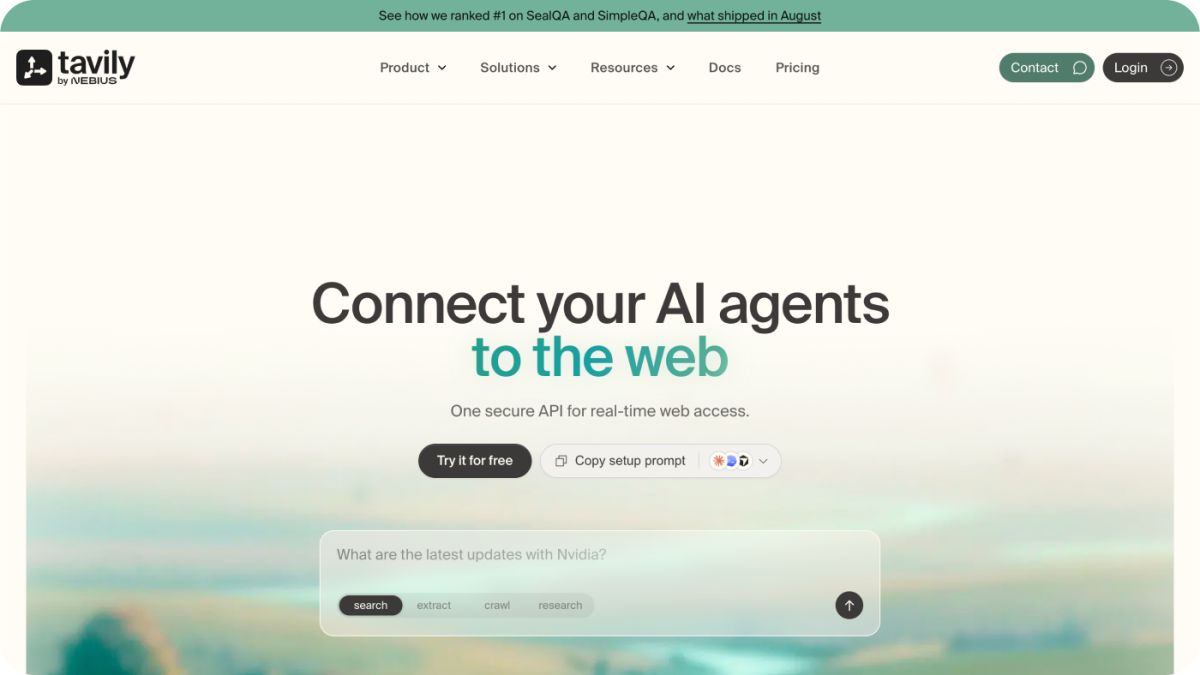
Tavily searches, ranks, and extracts current web information for AI agents. It's built to balance latency, accuracy, and information density, so agents receive useful context without extensive reranking or retry logic.
Tavily prioritizes managed retrieval over self-hosted crawling, a traditional search experience, or a bundled model platform. It pairs that focus with prompt-injection detection, PII and malicious-source protections, SOC 2 Type II, ISO 27001, and zero data retention.
That combination has been tested in production. monday.com recorded a 99.8% successful retrieval-call rate across more than 500,000 operations in two weeks, while Rox moved its production workload to Tavily and now runs millions of daily requests.
For production AI agents that need accurate, relevant, source-backed context while retaining control over how that information is used, Tavily is the strongest overall choice in this comparison.
How to test web search APIs with your own queries
Benchmarks and feature lists provide a useful starting point, but they can't tell you how an API will perform in your production application. Build a test set from the queries your agent will actually receive, including simple lookups, real-time questions, niche topics, and more complex research tasks.
Run the same queries through each API using comparable settings for the harness and model. Then evaluate:
- Accuracy and relevance
- Freshness and source quality
- Citation validity and completeness
- Latency and failure rate
- Information density
- Additional reranking, retries, or model tokens required
The best choice isn't necessarily the platform that wins every query. Look for the one that performs consistently on the queries that matter most to your application and requires the least additional work to produce a useful result.
When comparing costs, include the entire workflow, not just the API request. Extraction, reranking, retries, downstream model usage, supporting infrastructure, and engineering time all affect the cost of producing a grounded answer.
Build a web retrieval layer your AI agent can rely on
As AI agents take on more consequential work, web access becomes part of the product's reasoning architecture. The quality of what an agent retrieves, and how quickly and safely it can use that information, shapes the answers and actions that follow.
Ready to compare Tavily with your current search provider? Run your own queries, inspect the returned sources, and see what your agent would receive before integrating the API in the Tavily Playground. You can get started for free.