
/News5 min read
What We Shipped: January 2026
New in January: agent skills, Vercel AI SDK integration, /research endpoint GA, domain governance controls, usage APIs, and ultra-fast search for real-time agents.

We've been heads-down on a handful of updates over the past few weeks. Here's a rundown of what's new and how to start using it.
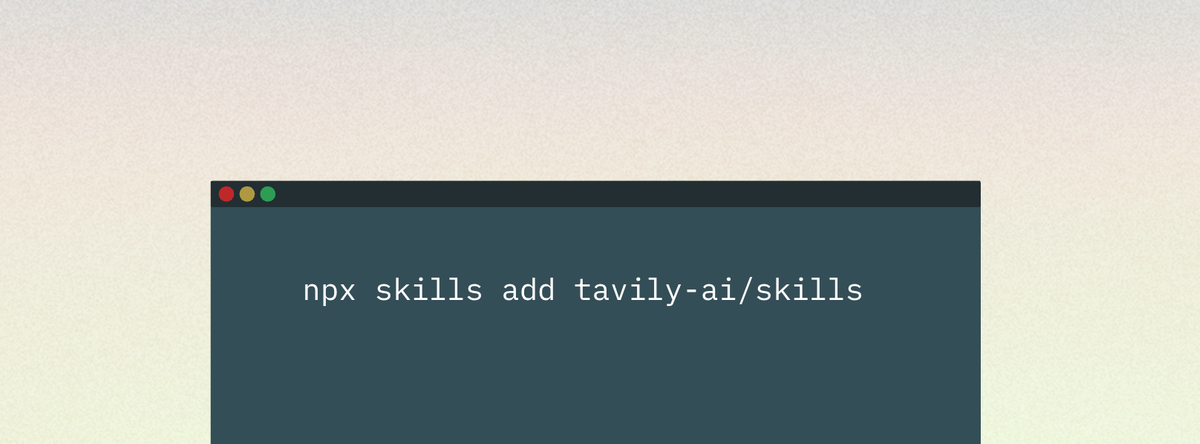
Use web search best practices in any agent
We published official skills that bake in our recommended best practices for web search. They give AI agents low-level control to build custom web tooling directly in your development environment.
These skills encode patterns we’ve seen work well across thousands of agent deployments, so you can start from a tested baseline instead of rebuilding the same scaffolding every time.
Get started quickly by using one of our copy-paste prompts to start building a news dashboard with sentiment analysis, lead enrichment, or a competitive intelligence agent.
To try it out, install a skill in a dev environment and run /tavily-best-practices against a real workflow your team uses. Read the docs here.
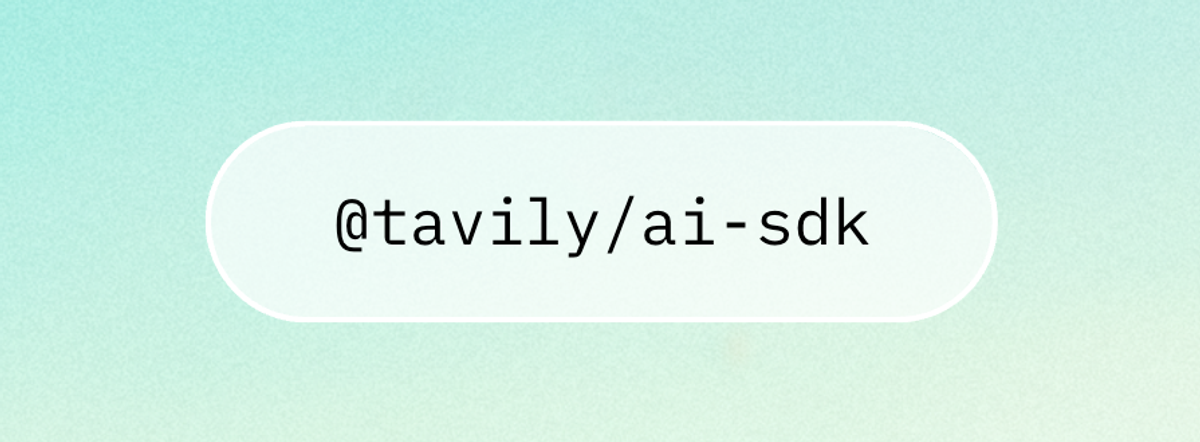
Integrate web search directly with the Vercel AI SDK
For teams building on Vercel, we added a direct integration with a Vercel AI SDK. If you're building RAG or agentic applications there, you can add in a few lines to connect your agent to the web.
We put together a guide that walks through the full setup, from installing the package to making your first search call to handling results in your application. Check the step-by-step guide.

Generate research reports research in one API call
The /research endpoint is now available to everyone. If you want an easier way to build a research agent without piecing together multi-tool workflows and prompts, /research gives you a fully managed approach shaped by what we’ve learned from teams building research agents with Tavily. It’s designed to deliver consistent, repeatable outputs without you having to orchestrate every step yourself.
It runs a multi-step workflow that searches from multiple angles, then analyzes and synthesizes the results into a structured report with sources cited throughout.
For longer tasks, you can enable streaming progress updates so you can see which searches are running, when analysis starts, and how the report is coming together.
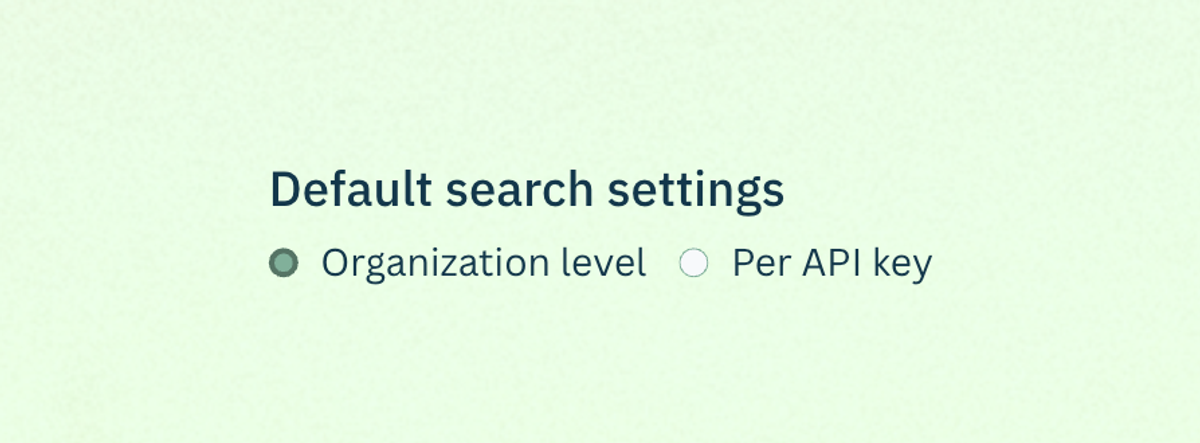
Control where your entire team’s agents search
If you need tighter control over where your agents pull information from, you can now enforce search governance at the organization and API key level. Instead of relying on every developer or agent to pass the right parameters, you set the guardrails once and they apply automatically to every request made with that key.
This came out of conversations with teams in regulated industries who needed guarantees about where their agents could pull information from. It's also useful for reducing noise, if you know your use case only needs results from specific sources, you can filter everything else out at the organization level.
Common setups we're seeing:
- Allowlisting vendor documentation, approved publishers, and .gov domains for internal tooling
- Blocklisting user-generated content sites and known low-quality sources for customer-facing agents
Configure it in Settings.

Monitor consumption across API keys and projects
If you want more visibility into what’s driving consumption, the /usage endpoint is now available. It returns API key, project ID, and account usage details, including overall usage and limits, plus a breakdown by endpoint. If you're running multiple agents or serving multiple internal teams from one Tavily account, you can now see exactly where your API calls are going.
This helps with answering questions like:
- Who's responsible for this bill?
- Which agents are growing fastest?
- Why did this project's usage spike 10x yesterday?
A pattern that works well: set up a nightly cron job that hits the usage endpoint and posts a summary to Slack. Check the doc here.
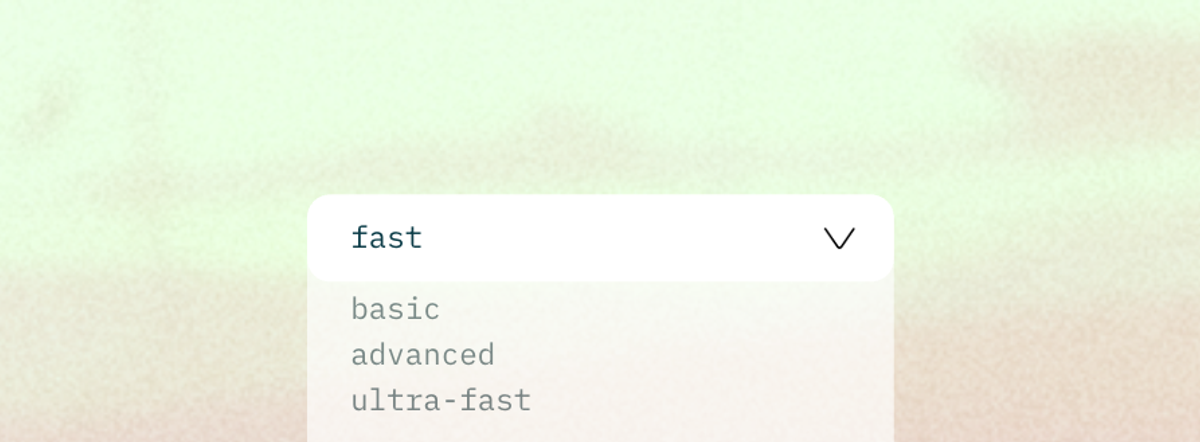
Unlock ultra-fast answers for real-time agents
We added two new search_depth options for latency-sensitive workloads: fast and ultra-fast. If you’re building voice assistants, gaming agents, trading workflows, or high-QPS infrastructure, search latency is often the difference between an experience that feels instant and one that feels broken.
Shaving hundreds of milliseconds off search gives you back budget for reasoning and generation, and it lets you keep agents responsive without sacrificing web grounding.
- fast prioritizes lower latency while maintaining good relevance, and returns multiple semantically relevant snippets per URL (tunable via chunks_per_source).
- ultra-fast minimizes latency above all else for time-critical use cases and returns one NLP summary per URL.
When you need maximum thoroughness and are willing to pay the latency cost, advanced remains the most exhaustive mode. Check out the docs to pick the right depth for your workload.

We're doing a webinar on February 12th walking through some of these features in more depth, with live demos and time for questions. Sign up here.
Questions or feedback on any of this? We're on Discord, X, and LinkedIn.